.jpg?auto=webp&format=pjpg&fit=bounds&quality=75&width=4096&environment=production)
Your Owners’ Priority Rewards card is your ticket to all of your owner benefits at our award-winning parks, including seamless payments when you top up your card online.
After setting up your card, can:
- Check your balance
- Top up your account
- Review your spending
- Access owner benefits and rewards

How to set up your card
.jpg?auto=webp&format=pjpg&fit=bounds&quality=75&width=2560&environment=production)
Collect your card from the sales office
Once you've completed a short aftersales survey with our aftersales team, your Owners’ Priority Rewards card will be created. Your card will be sent to your park’s sales office for collection and should take less than 2 weeks to arrive.

Register your account online
You’ll get an email from TouchTopUp with instructions on how to register for an account. Follow these to get set up online.
-Edit.jpg?auto=webp&format=pjpg&fit=bounds&quality=75&width=2560&environment=production)
Check your emails
If you don’t receive an email from TouchTopUp, check your junk or spam folder. Any issues, contact loyaltycardhelp@parkholidays.com for help.
Setup FAQs
Using your card FAQs
On park support FAQs
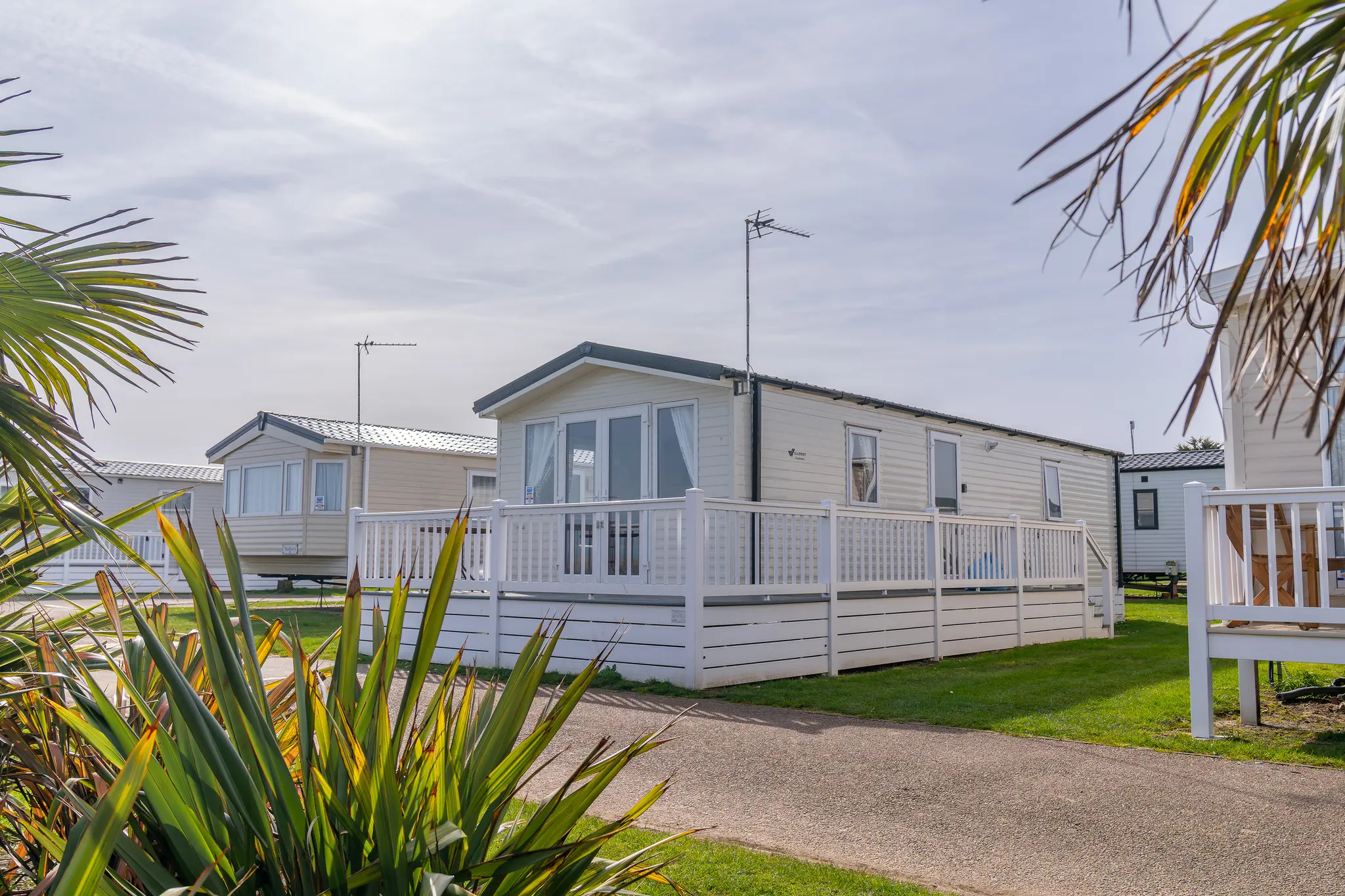
Join over 15,000 owners already enjoying the benefits of buying with Park Holidays. Choose from a range of static caravans for sale, including new and used models, plus luxury lodges, with flexible finance options to suit your budget.
As an owner, you’ll also get a range of exclusive perks and rewards, including VIP owner events and 20% off food and drink on park.